
Location
Introduction
Section titled “Introduction”TestCLIX website availability tests can be run from multiple locations around the world. Because websites can behave differently depending on where they are accessed from, choosing the right monitoring location is important. Running checks from locations close to your target audience provides more accurate and relevant results.
Using multiple locations helps detect regional issues, reduces false alerts, and gives a clearer picture of how users experience your website globally.
Available zones
Section titled “Available zones”At TestCLIX, we are continuously working to provide as many monitoring zones as possible. Some zones are publicly available, while others are currently available only upon request. Our goal is to make all zones publicly available over time.
If you require access to a specific location that is not listed, please contact our support team.
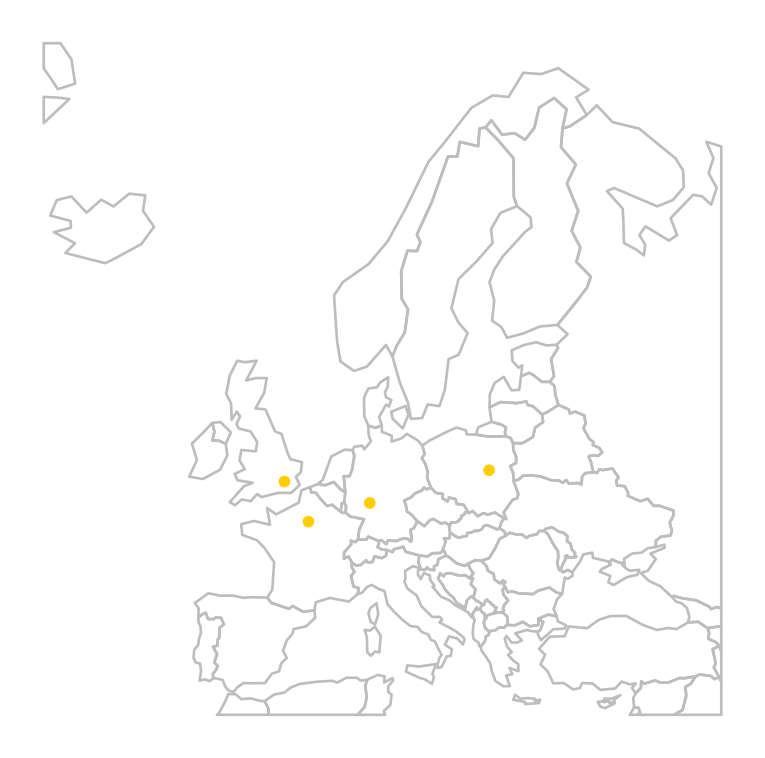
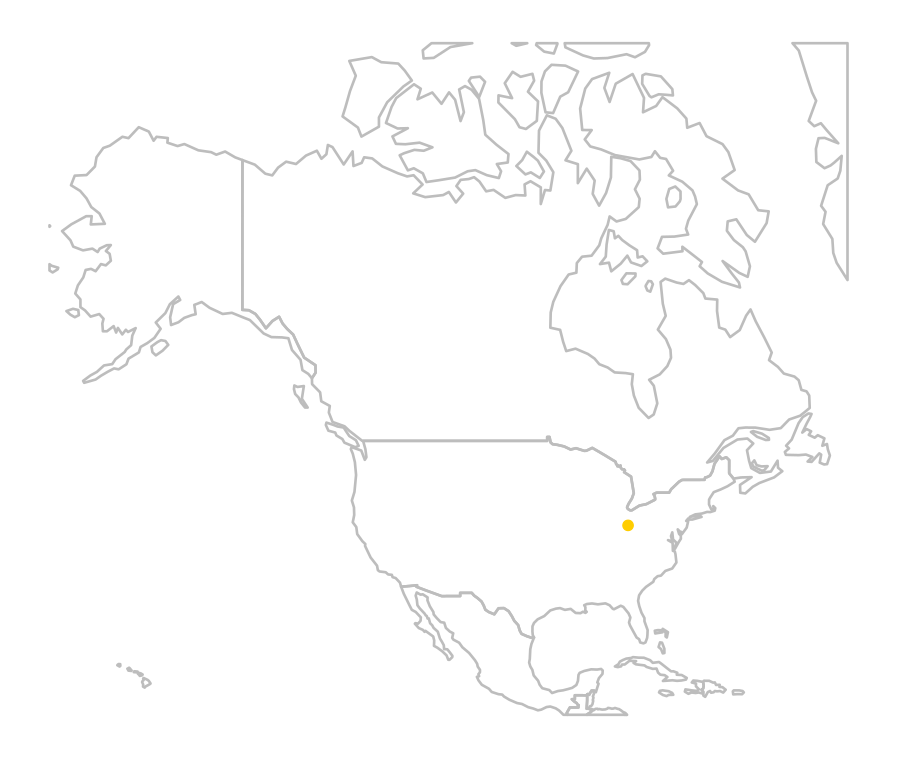
Publicly available zones include:
| Country | City |
|---|---|
| UK | London |
| France | Paris |
| Germany | Frankfurt |
| Poland | Warsaw |
| Country | City |
|---|---|
| USA | Ohio |
How It Works
Section titled “How It Works”Each test execution runs from a single location. When you configure a website availability test, you select one monitoring zone, and all checks for that test will originate from that specific location.
If you need to monitor your website from multiple regions, you can create separate tests for each location. This approach allows you to:
- Compare performance across different geographic regions
- Detect location-specific issues
- Ensure consistent user experience worldwide
Configuration
Section titled “Configuration”-
Navigate to Workspace using the left sidebar menu.
-
Click the Create button on the right side.
-
Select Website Availability.
-
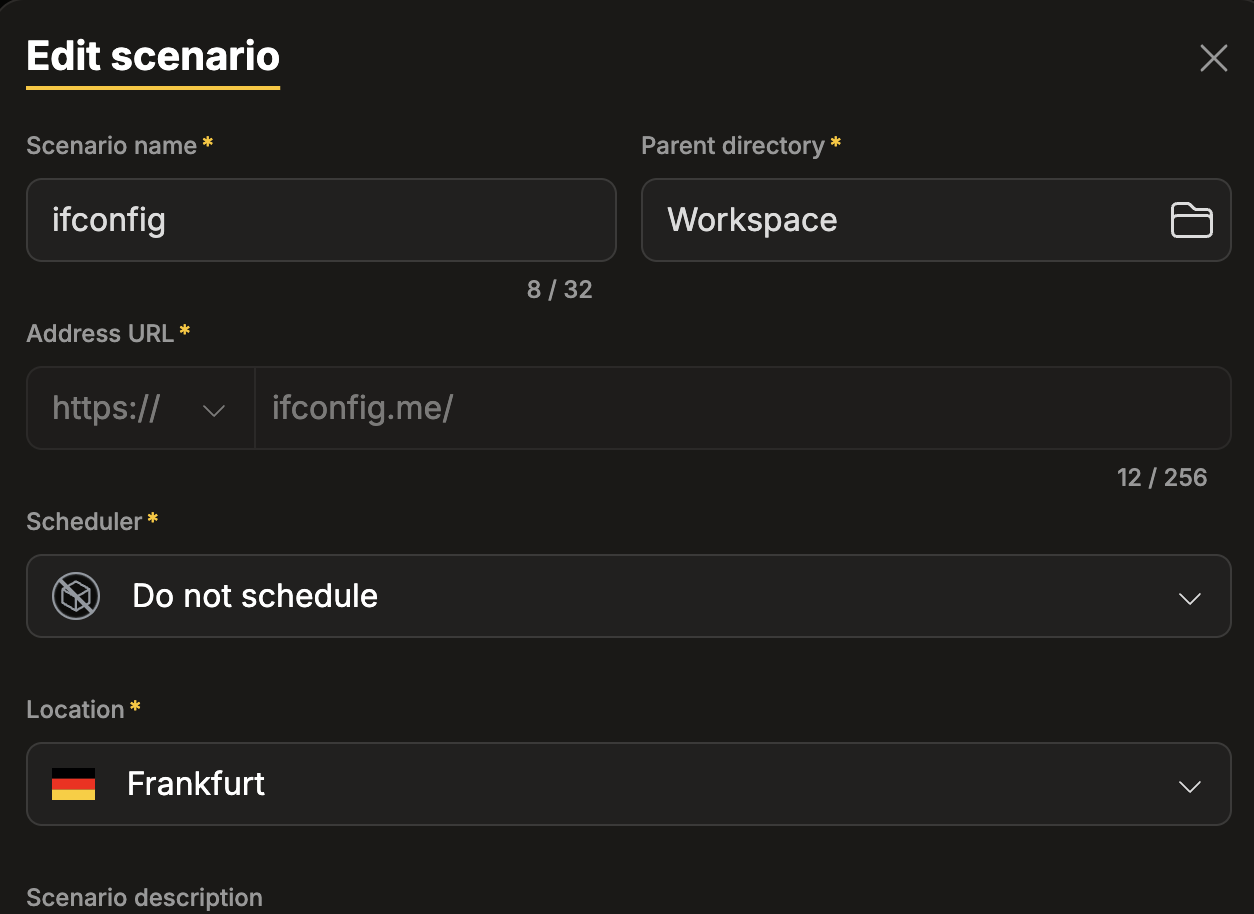
Set the Location field to choose which region the test will run from.
-
Navigate to Workspace using the left sidebar menu.
-
Locate the test you want to modify.
-
Open the test settings using one of the following methods:
- On the overview page, click the pencil icon next to the Options section.
- On any page, click the three-dot menu and select Edit properties.
-
Update the Location field to change the region from which the test runs.